Just so my home page doesn’t look like a stalker page (and I needed a change of scenery), I decided to switch things up a bit with today’s Photoshopped portrait post.
This should be the last one for awhile–I’ve managed to work my way through most of the pile of portrait tutorials I have found interesting over the past few months but have been too lazy to try out.
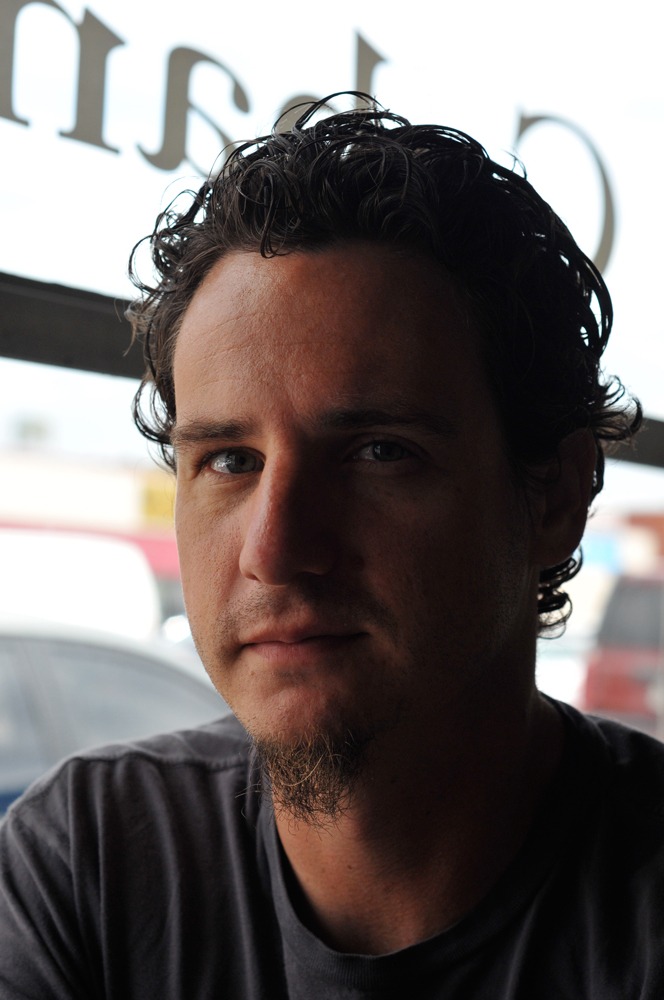
This is the original shot I started out with today.
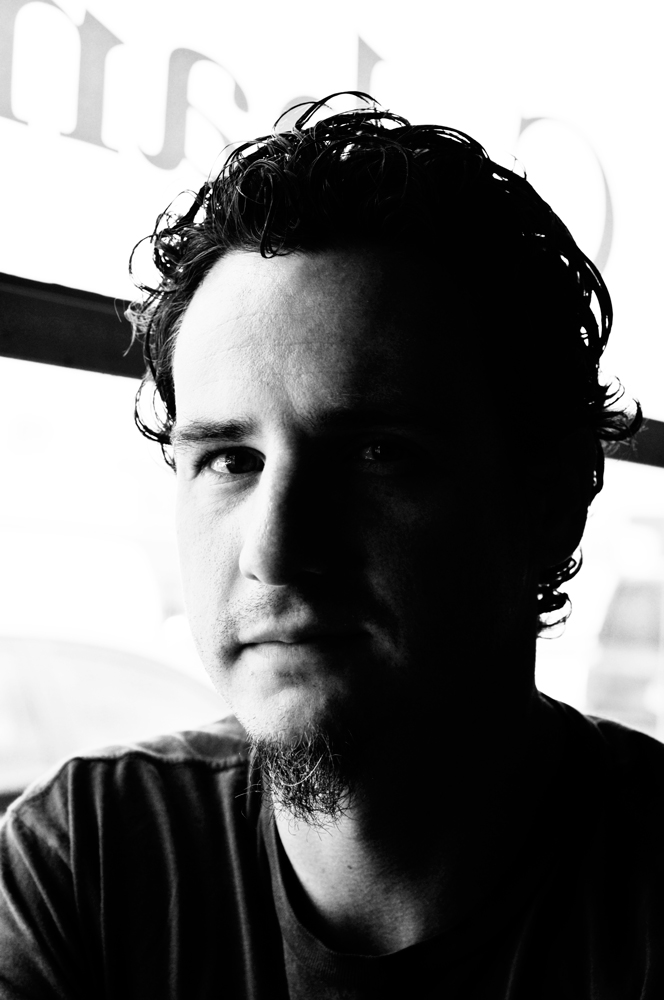
This is the final version–a high key black & white shot. Not bad, if I do say so myself, though the effect might be more interesting in a shot with less contrast.
Enter one of my beautiful sisters in law, Kim. We took a bunch of pictures of family this Thanksgiving, and this has to be one of my favorites. Not only is my sister in law a looker, she’s also a talented photographer (among other things like mom, planetary do-gooder, super smart and a professor to boot) and very easy to take pictures of.
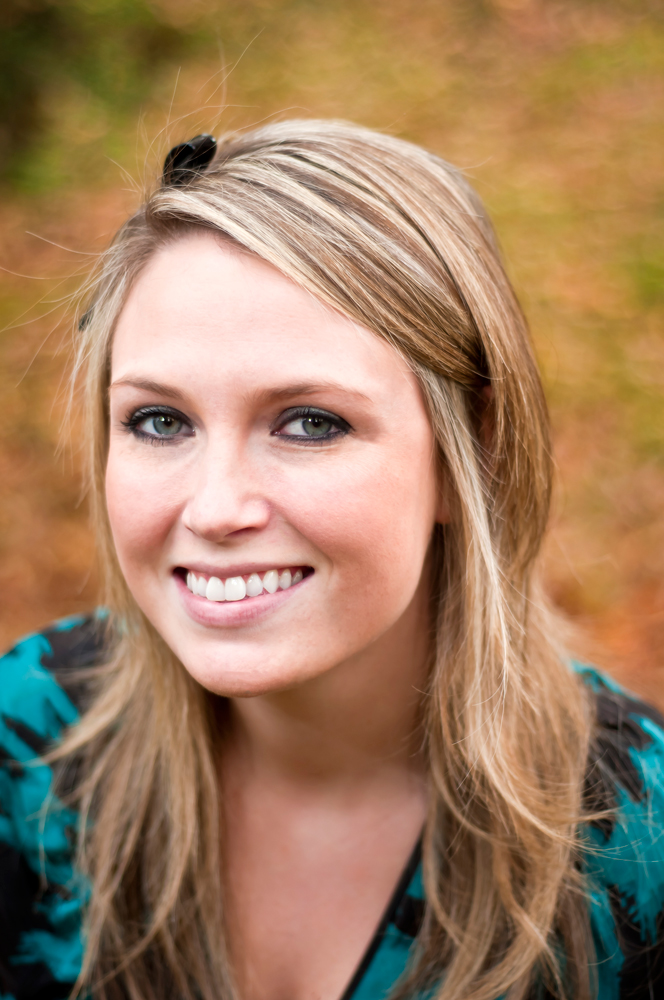
This is the original shot.
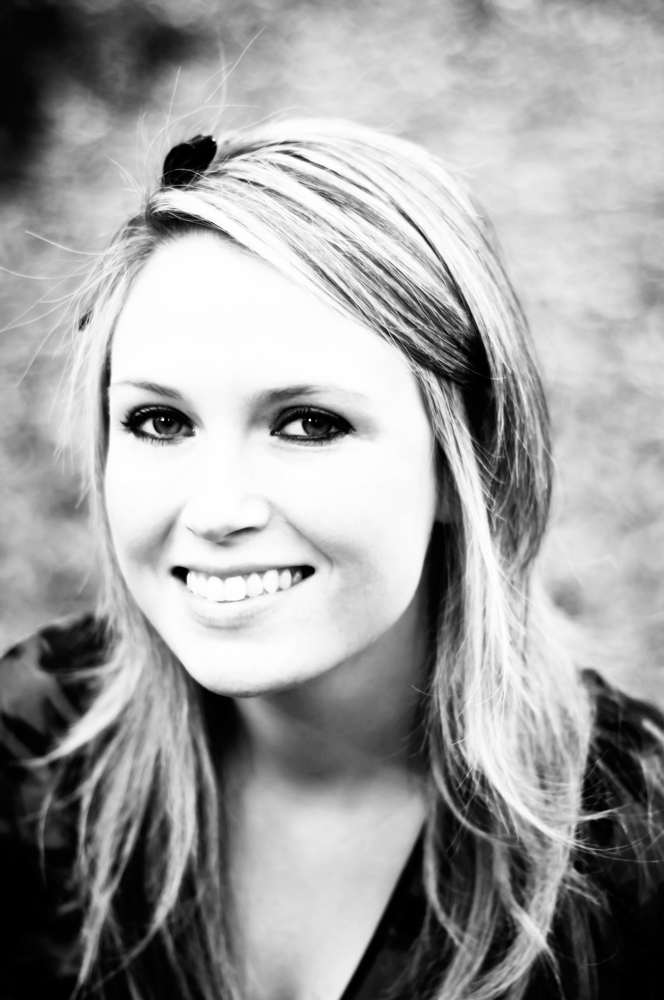
I blew this shot out making it high key and I kind of like the effect. I might keep that in mind for the future and do a really blown out set.
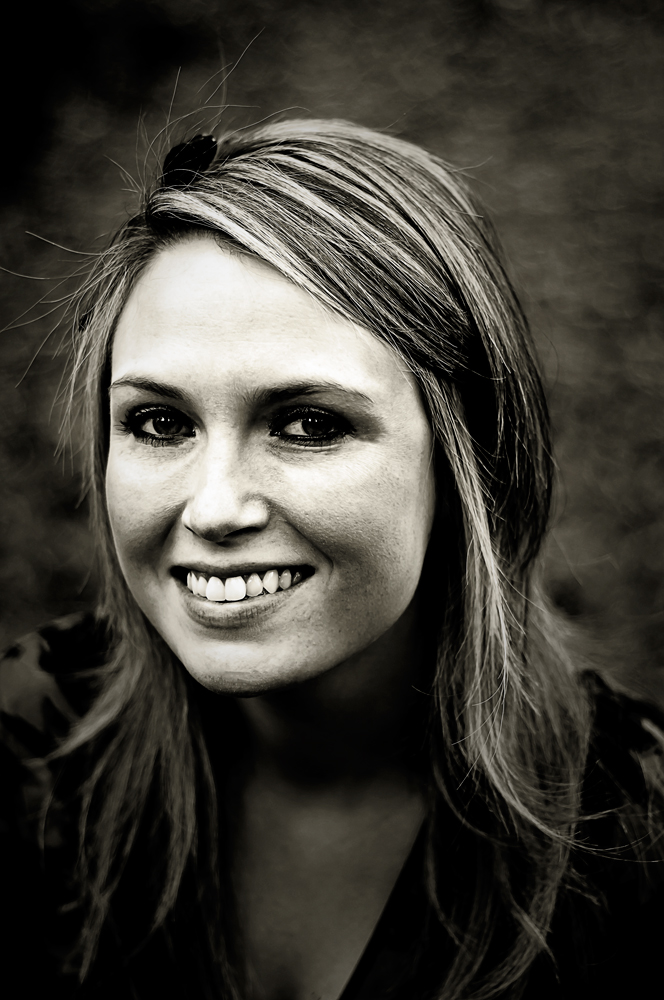
This effect increases the grunge, making the picture almost metallic looking. This I will definitely keep in mind, since this is just about the effect I was after when looking for tutorials in the first place. What I was initially looking for before getting waylaid was how to make photos look like the History Channel’s new shows, specifically the deep blacks and interesting contrast on American Pickers. So, maybe the effect is just on the show’s main title sequence and hasn’t made the transition to stills. A quick Google search pulled up plenty of great pics of Danielle (and her tatts), but not exactly what I was looking for. If you haven’t seen the show, you’ll just have to imagine.
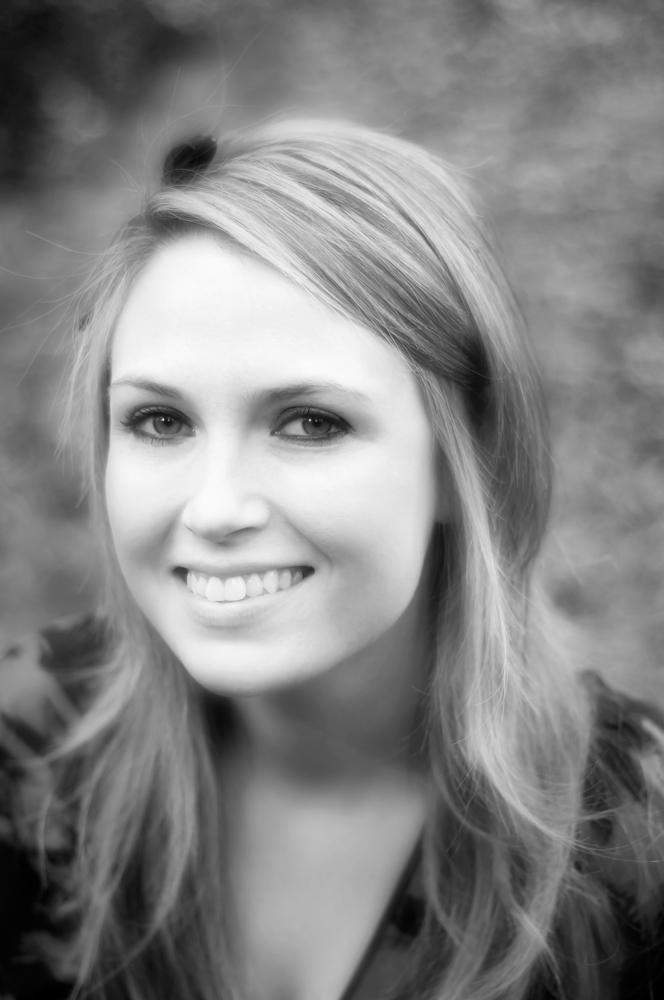
This is the old Hollywood glamor shot effect and I rather like the results, especially for portraits of women Soft focus hides a multitude of sins, and I just may go back and dig up a few shots of myself to apply this technique to.
The Takeaway
What has this little exercise taught me? I need to take more pictures of people! Macro is great, and food is endlessly fascinating and all, but people. I need more people. That, and that Photoshop is a really useful tool for creating interesting, artistic portraits. I already knew that, only now I won’t be quite so lost with a few helpful processes under my belt.

 Gastography